# Assign tags to tenants
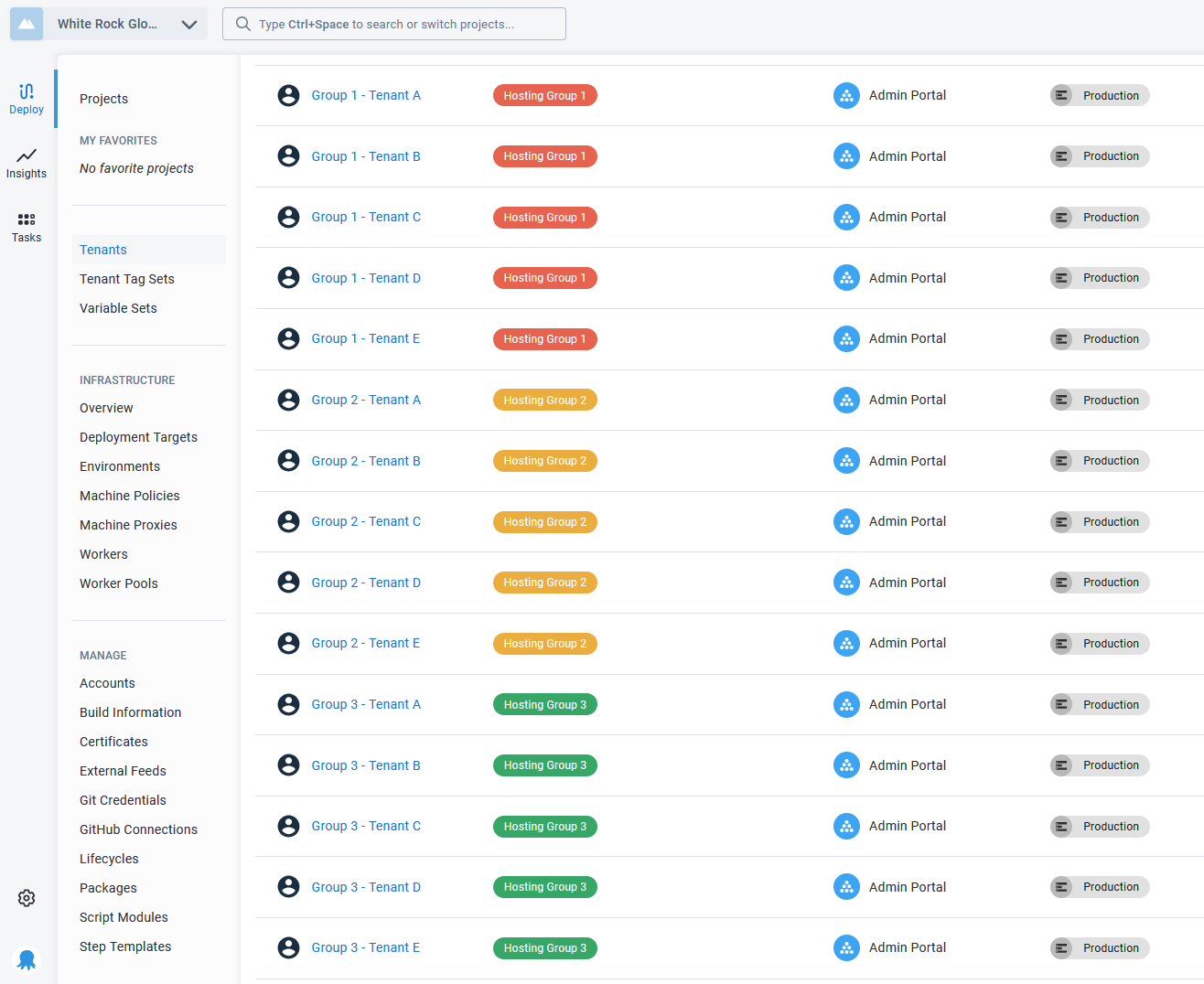
We've included the hosting group name in the tenant name to help illustrate the pattern. In the screenshot below, you can see that the tenants have been assigned a Hosting Group tag based on which group they belong to.
This tag will make it easy to choose to deploy to all tenants in a group and also map those tenants to the correct infrastructure.
:::figure
:::
In the tenant overview, click on **Manage Tags** to manage what tags are associated with a tenant.
Previous Next