# Creating new tenants
The first step in this guide is to create the three teams needed for this scenario as tenants:
- Team Avengers
- Team Radical
- QA
To create your tenants follow these steps:
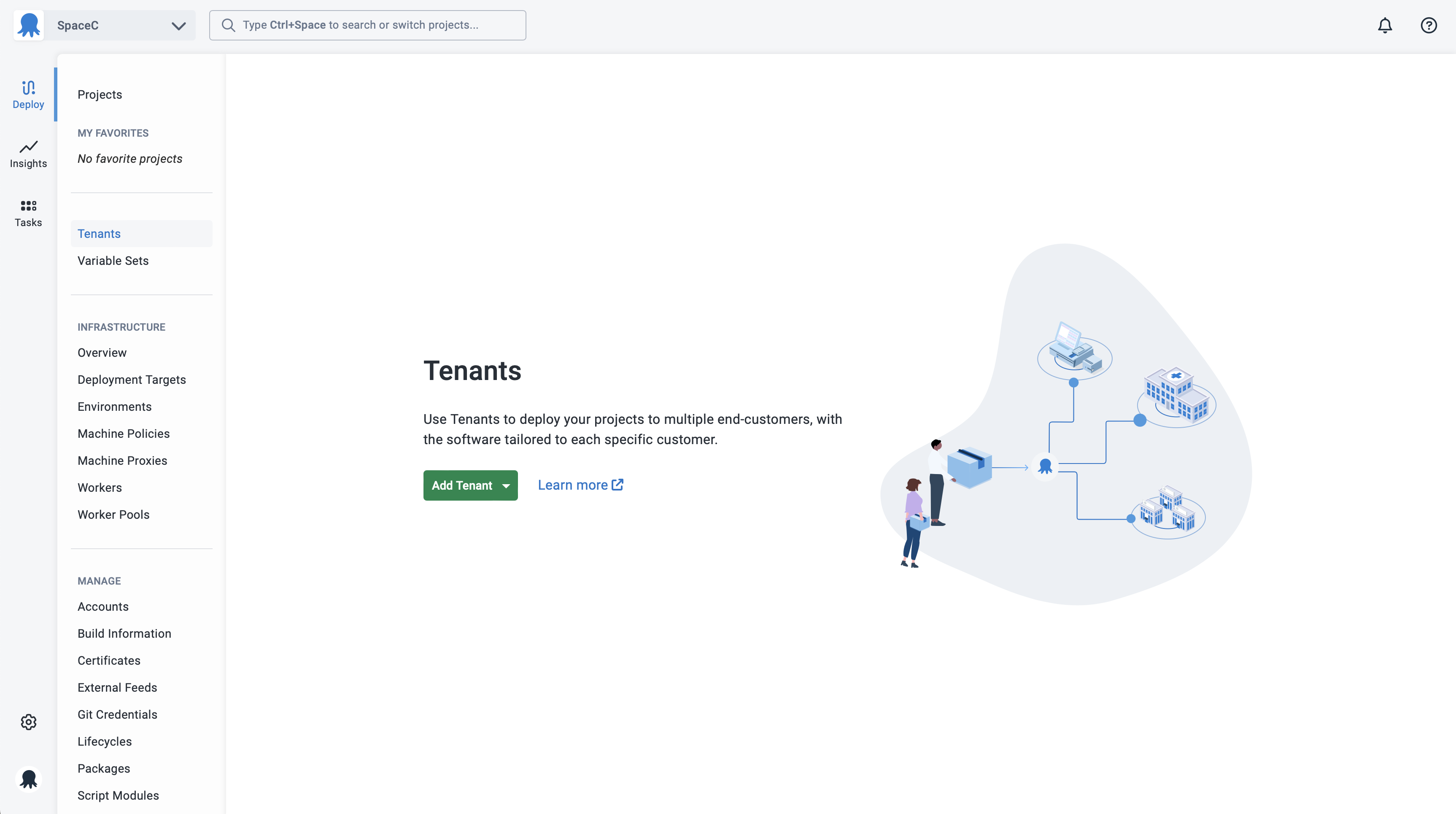
1. Select **Tenants** from the main navigation and click the **Add tenant** button:
:::figure
:::
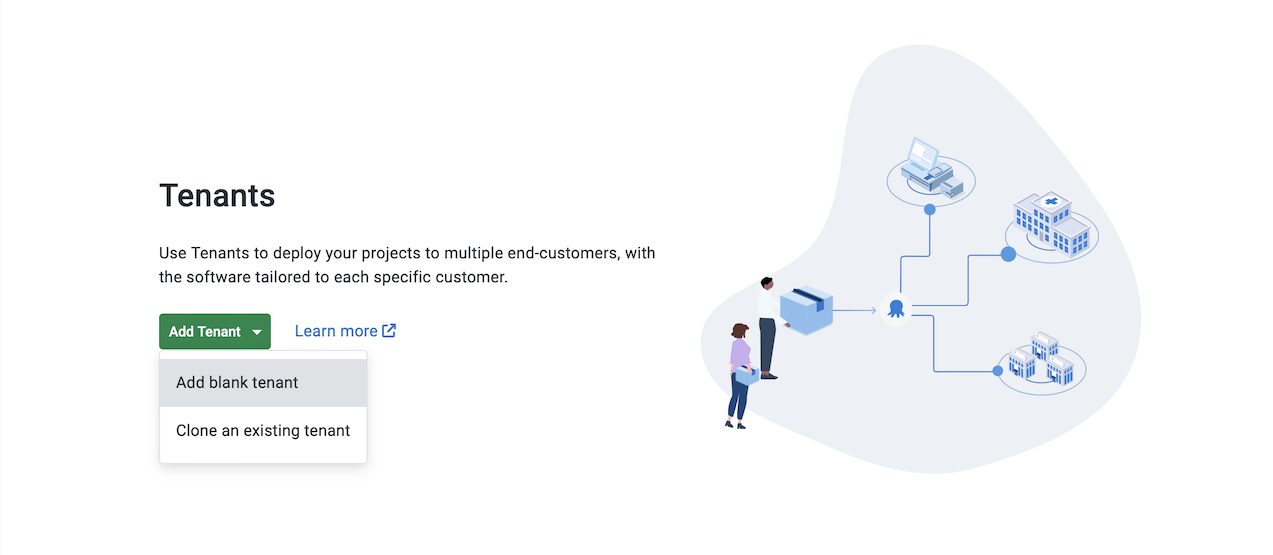
2. Select if you want to **Add blank tenant** or **Clone an existing tenant**:
:::figure
:::
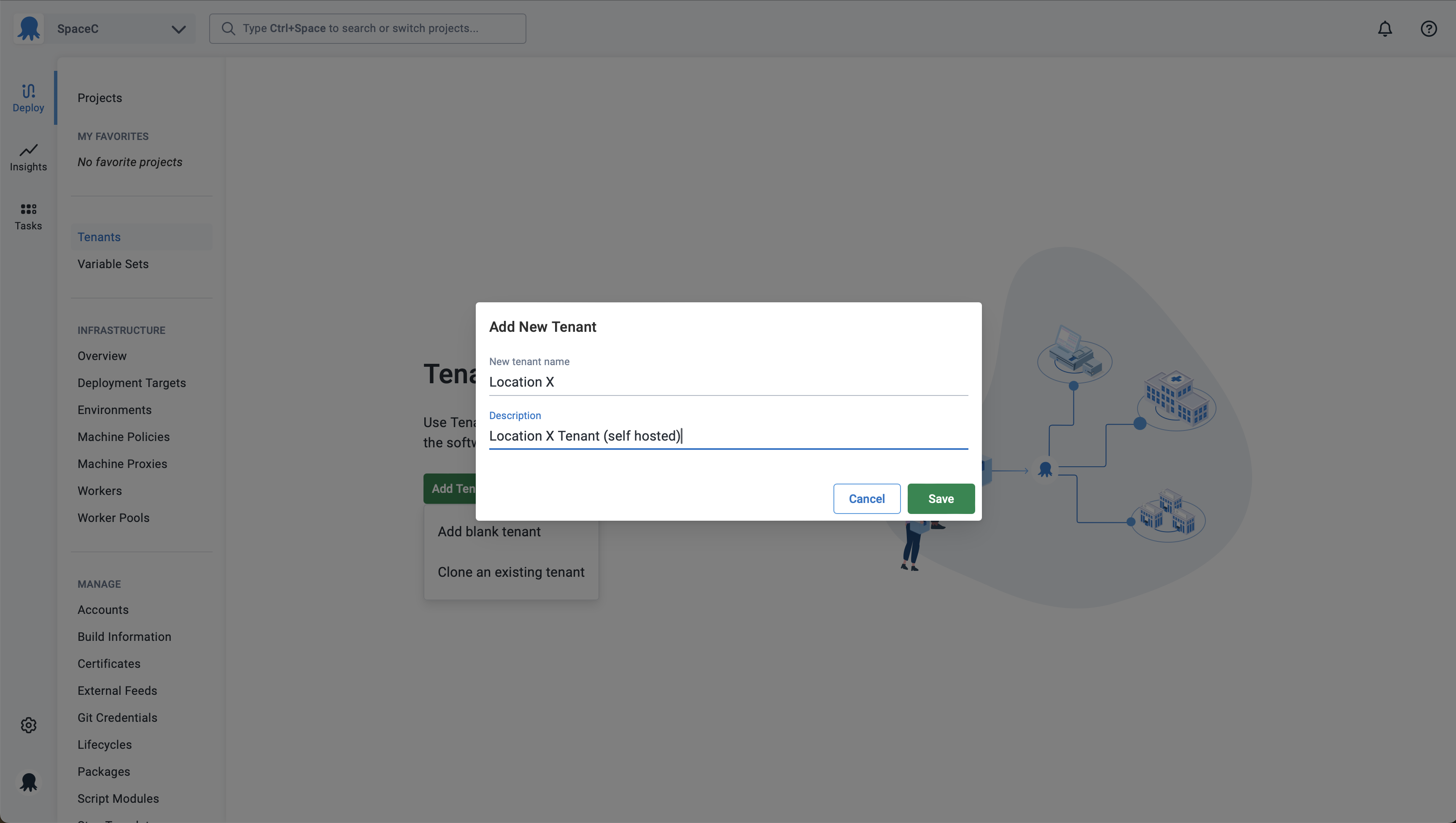
3. Enter the name you want to use for the tenant and click the **Save** button:
:::figure
:::
Repeat this process for each of the tenants, and then move on to the next section in the guide.
Previous Next