# Username and password account variables
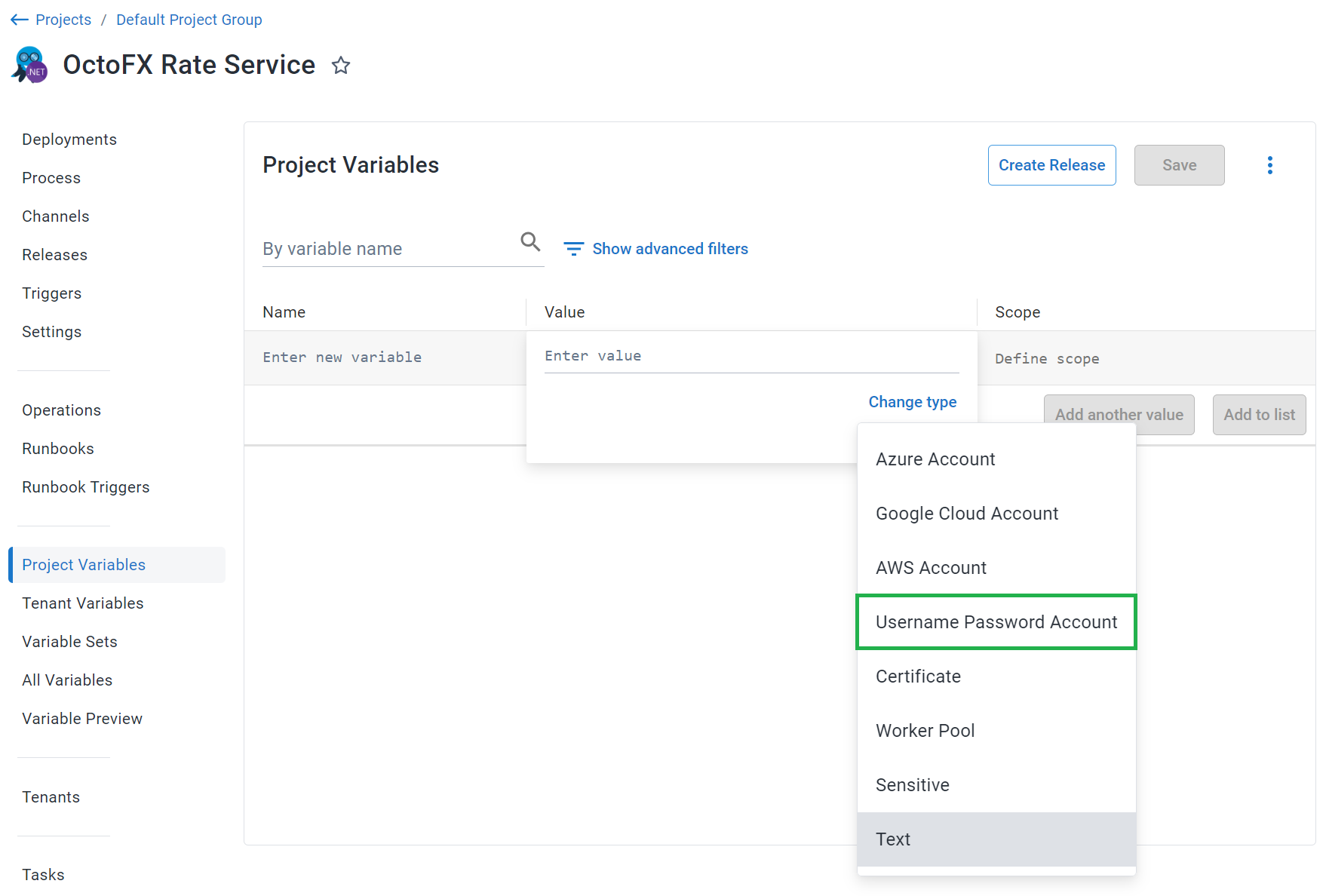
[Username and password accounts](/docs/infrastructure/accounts/username-and-password/) can be referenced in a project through a project [variable](/docs/projects/variables) of the type **Username Password account**. Before you create a Username and Password account Variable, you need to create a Username and Password account in Octopus:
:::figure
:::
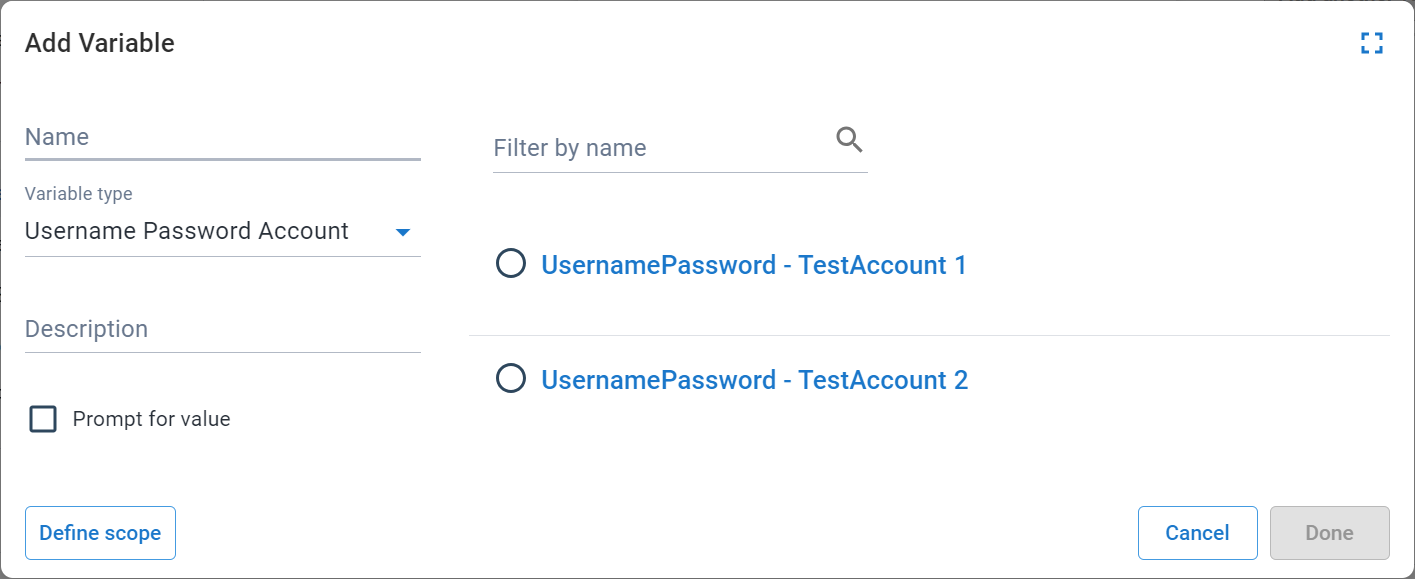
The **Add Variable** window is then displayed and lists all the Username and Password accounts.
Select the Username and Password account you want to access from the project to assign it to the variable:
:::figure
:::
## Username and password account variable properties
The Username and Password account variable also exposes the following properties that you can reference in a PowerShell script:
| Name and description | Example |
|------------------------------------------------------------------------|-------------|
| **`Username`**
The username of the Username and password account | BobSmith_85 |
| **`Password`**
The password of the Username and password account | Password |
### Accessing the properties in a script
Each of the above properties can be referenced in any of the supported scripting languages such as PowerShell and Bash.
:::div{.hint}
Although it's possible to reference the `Password` of the Username and password account in a script, writing them out to stdout will result in Octopus masking the values as they are considered sensitive.
:::
PowerShell
```powershell
# For an account with a variable name of 'username password account'
# Using $OctopusParameters
Write-Host 'UsernamePasswordAccount.Id=' $OctopusParameters["username password account"]
Write-Host 'UsernamePassword.Username=' $OctopusParameters["username password account.Username"]
$PasswordValue = $OctopusParameters["username password account.Password"]
# Directly as a variable
Write-Host 'UsernamePassword.Id=' #{username password account}
Write-Host 'UsernamePassword.Username=' #{username password account.Username}
$PasswordValue = "#{username password account.Password}"
```
Bash
```bash
# For an account with a variable name of 'username password account'
id=$(get_octopusvariable "username password account")
username=$(get_octopusvariable "username password.Username")
password=$(get_octopusvariable "username password.Password")
echo "Username Password Account Id is: $id"
echo "Username Password Account Username is: $username"
```
## Add a Username and Password account to Octopus
For instructions to set up a Username and Password account in Octopus, see [Username and password accounts](/docs/infrastructure/accounts/username-and-password).
## Learn more
- [Variable blog posts](https://octopus.com/blog/tag/variables/1)
- How to create [Username and password accounts](/docs/infrastructure/accounts/username-and-password)