# Defining the runbook process for workers
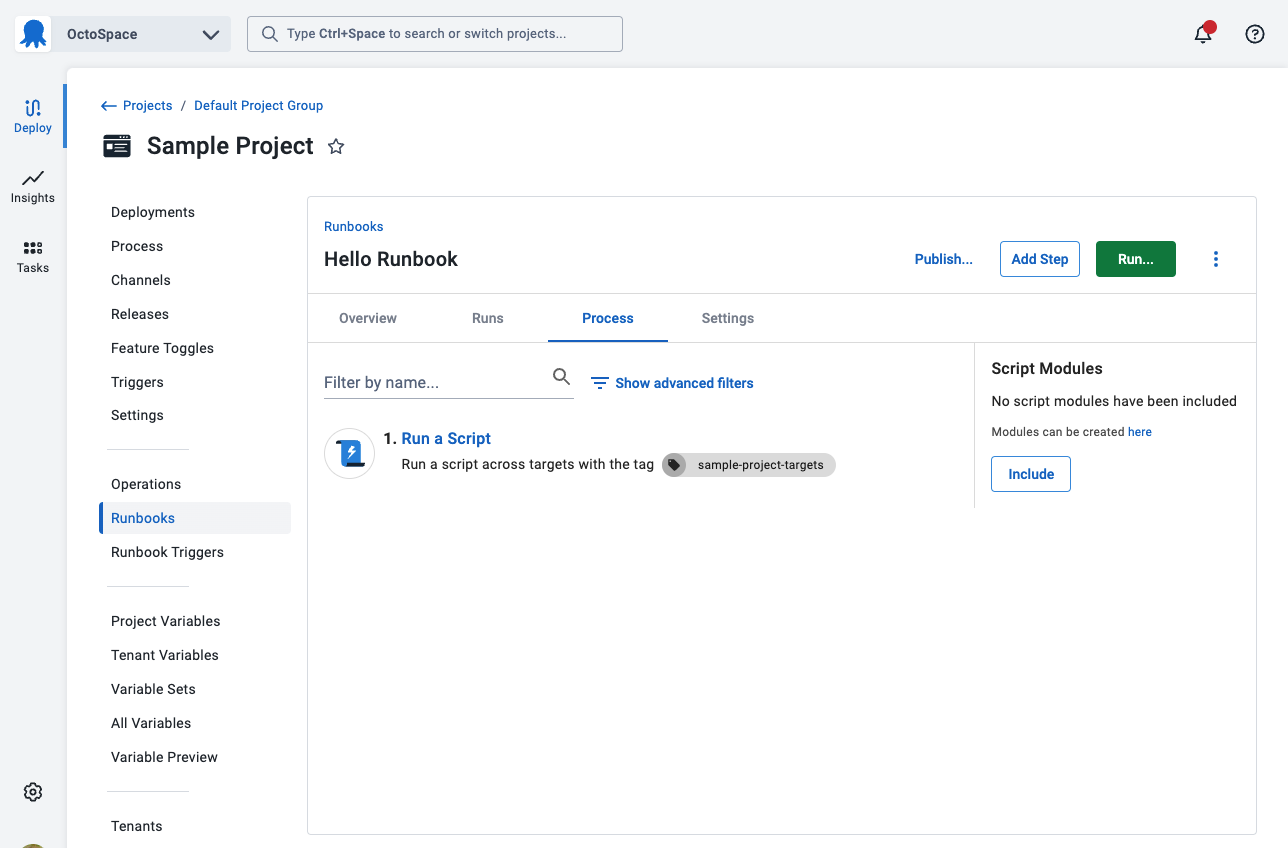
The runbook process is the steps the Octopus Server orchestrates to perform various tasks on your infrastructure. To first understand how runbook processes work, we will add a single step to run on the Octopus Server (if self-hosted) or on a worker (if Octopus Cloud). Future steps in this tutorial will configure additional steps to run on your servers.
:::figure
:::
1. From the *Hello Runbook* runbook you created on the previous page, click **DEFINE YOUR RUNBOOK PROCESS**.
1. Click **ADD STEP**.
1. Select the **Script** tile to filter the types of steps.
1. Scroll down and click **ADD** on the **Run a Script** tile.
1. Accept the default name for the script and leave the **Enabled** check-box ticked.
1. In the **Execution Location** section, select **Run once on a worker** (if you are on self-hosted Octopus, select **Run once on the Octopus Server**). If you are using Octopus Cloud and want to use Bash scripts change the worker pool from **Default Worker Pool** to **Hosted Ubuntu**.
1. Scroll down to the **Script**, select your script language of choice, and enter the following script in the **Inline Source Code** section:
PowerShell
```powershell
Write-Host "Hello, World!"
```
Bash
```bash
echo "Hello, World!"
```
:::div{.hint}
If you are using Octopus Cloud, Bash scripts require you to select the **Hosted Ubuntu** worker pool. The **Default Worker Pool** is running Windows and doesn't have Bash installed.
:::
1. Click **SAVE**.
The next step will [run the runbook](/docs/getting-started/first-runbook-run/running-a-runbook).
**Further Reading**
For further reading on runbook processes and what is possible please see:
- [Runbook Examples](/docs/runbooks/runbook-examples)
- [Runbook Documentation](/docs/runbooks)